
Every request your app serves is a chance to do less work. Caching is just the art of not redoing work you already did. Sounds simple. It isn’t — there’s a whole stack of places you can stash data, each with its own rules, and picking the wrong layer (or the wrong expiry) costs you either stale bugs or a slow site.
I’ve spent enough hours staring at a page that “should have updated” but didn’t, only to realise the answer was cached three layers deep. So let me walk through every place you can cache — from the user’s browser all the way down to compiled bytecode on your server — and where each one bites you.

Everyone talks about HTTP/3 like it’s a free speed upgrade you flip on and forget. It mostly is — but “mostly” is doing a lot of work in that sentence. HTTP/3 is now used for roughly 35% of all web requests globally [1], so this isn’t a research toy anymore. The thing is, almost no one explains why it’s faster, where it actually loses to HTTP/2, and — the question nobody asks — whether your particular site even benefits. Let me walk through it the way I’d explain it to a friend over chai.
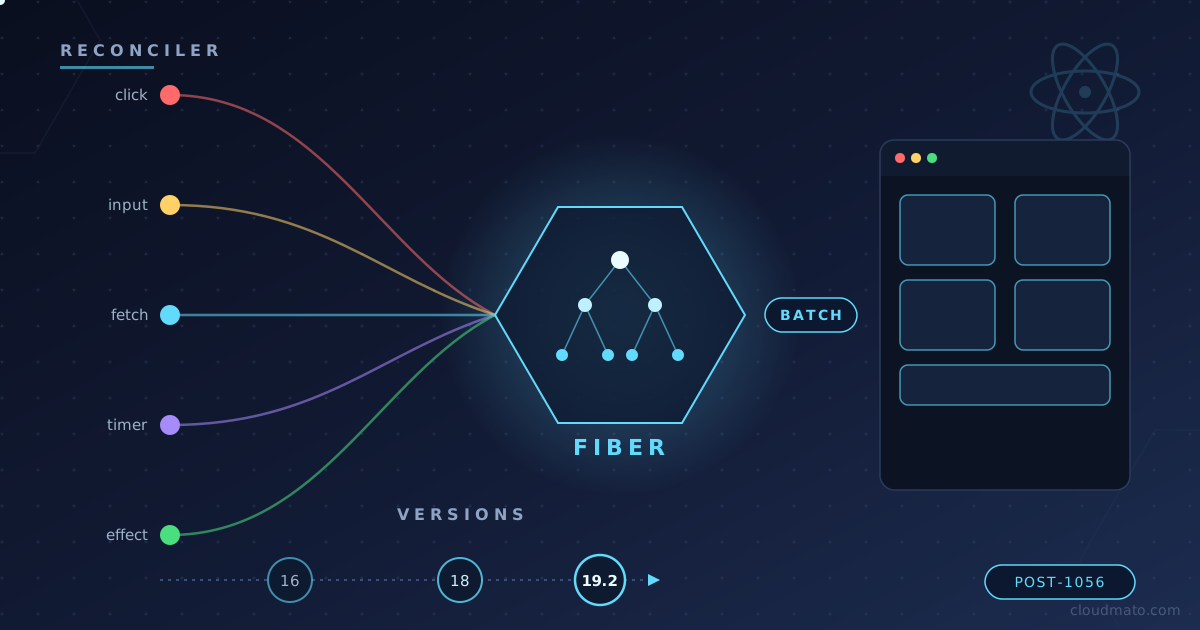
Ever clicked a button in a React app and just… trusted that the UI would update correctly? Yeah, me too, for years. I never really stopped to think about what happens between setState and the pixels changing on screen — until I started debugging a component that was re-rendering five times for a single click. That rabbit hole led me straight into Fiber, lanes, and the surprisingly long history of how React decides when to actually re-render your app.
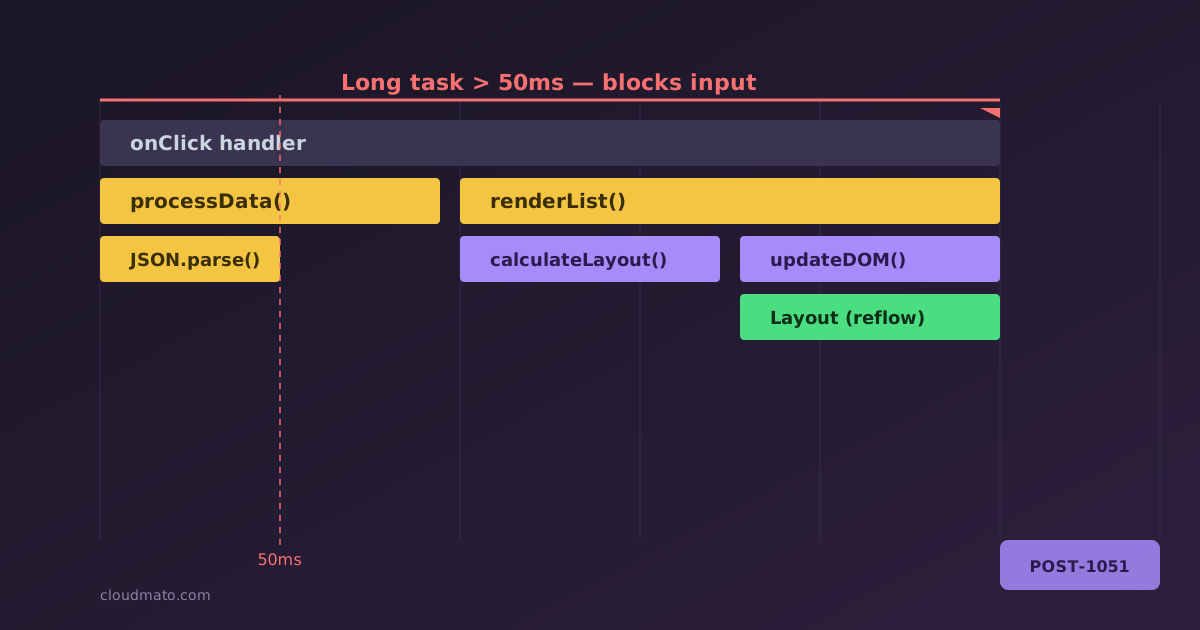
Open the Performance panel in Chrome DevTools for the first time and it looks like someone spilled a box of crayons across your screen. Dozens of colored bars, half a dozen tracks, three tabs at the bottom that all seem to show the same thing but slightly differently. No wonder most devs record one trace, get scared, and go back to console.log debugging. I did exactly that for years - until I actually sat down and learned what each piece means, and now it’s the first tool I reach for when something “feels slow.”