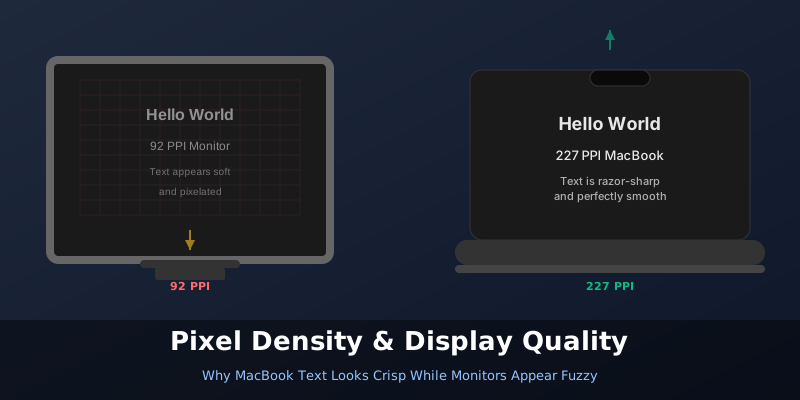
You buy a Full HD (1920×1080) monitor and check the specs. Your MacBook also outputs to a similar resolution. Yet when you start working, the text on the monitor looks noticeably softer. Not broken or unreadable — just not as sharp as what you see on your MacBook’s built-in screen. What’s going on?
The answer isn’t about resolution numbers. It’s about pixel density.
The Pixel Density Problem Here’s the thing: two displays with the same resolution at different sizes will have completely different pixel densities [1]. A 24-inch Full HD monitor has roughly 92 pixels per inch (PPI) [2]. Your MacBook Air? Try 227 PPI [1]. Your 16-inch MacBook Pro? 254 PPI [1].

Scan a QR code every day and never once think about those three squares. I was in that category for years. Turns out they are doing some genuinely clever engineering work — and the reason there are exactly three, not four, is more interesting than you’d expect.
They Have a Name: Finder Patterns The three large squares are officially called position detection patterns, though almost everyone calls them finder patterns [4]. They sit in the top-left, top-right, and bottom-left corners of every QR code — never the bottom-right. That asymmetry is intentional, and it’s the whole point.