
The browser is a hostile environment. That one sentence explains more about why SPA authentication goes wrong than any whitepaper ever has. You’re shipping your entire application — including your auth logic — to a machine you don’t control, in a runtime where malicious scripts, rogue browser extensions, and network-level attackers are all operating in the same sandpit. Get the design wrong and you’re not just leaking a JWT. You’re handing over session persistence, user identity, and trust — all at once.
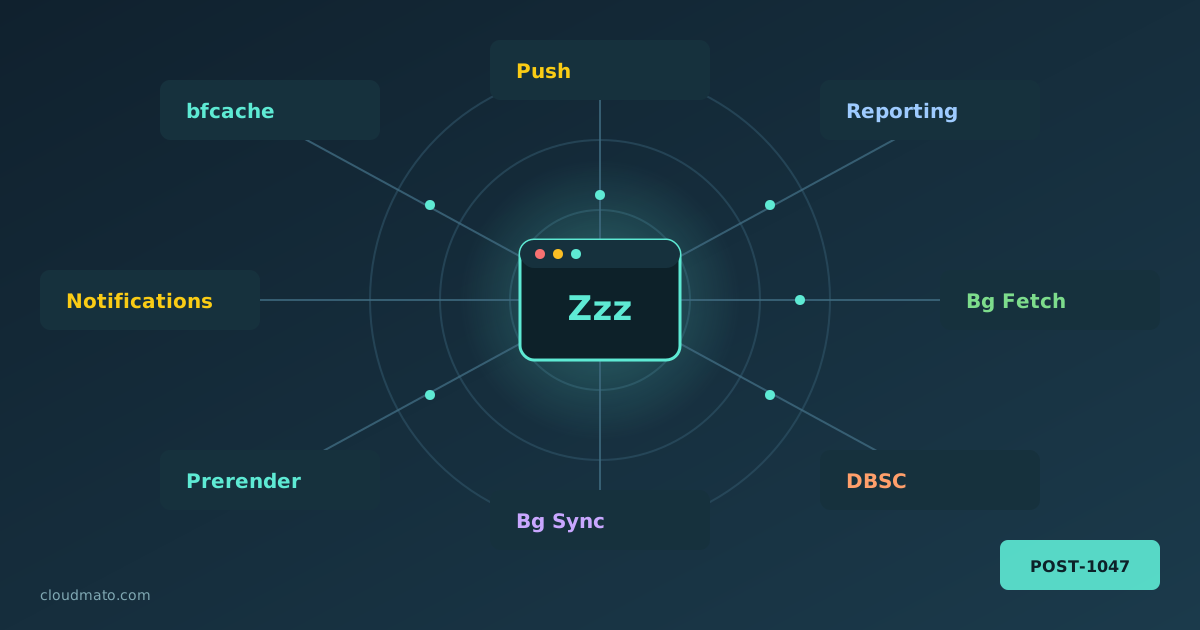
Your web app is probably doing things you’ve never actually debugged. Pages being prerendered before the user clicks anything, form submissions silently queued while offline, push notifications arriving at a sleeping service worker, sessions cryptographically bound to hardware keys — all of this happens through Chrome’s background service APIs, running completely invisibly. The Background Services panel in Chrome DevTools is where you finally get to watch all of it.
Finding the Panel Open DevTools (F12 or right-click > Inspect), go to the Application tab, and scroll the left sidebar until you hit the “Background Services” section. You’ll find a list covering essentially every “invisible” API Chrome supports:

Two questions get mashed together constantly: “what is TLS termination” and “is SSL a transport layer thing?” People assume the answer to the second is obviously yes — it’s literally called Transport Layer Security, right? Well. That naming has fooled a lot of smart people, and the confusion bleeds straight into how folks reason about termination. So let me untangle both, because once the layer question clicks, termination stops feeling like magic.
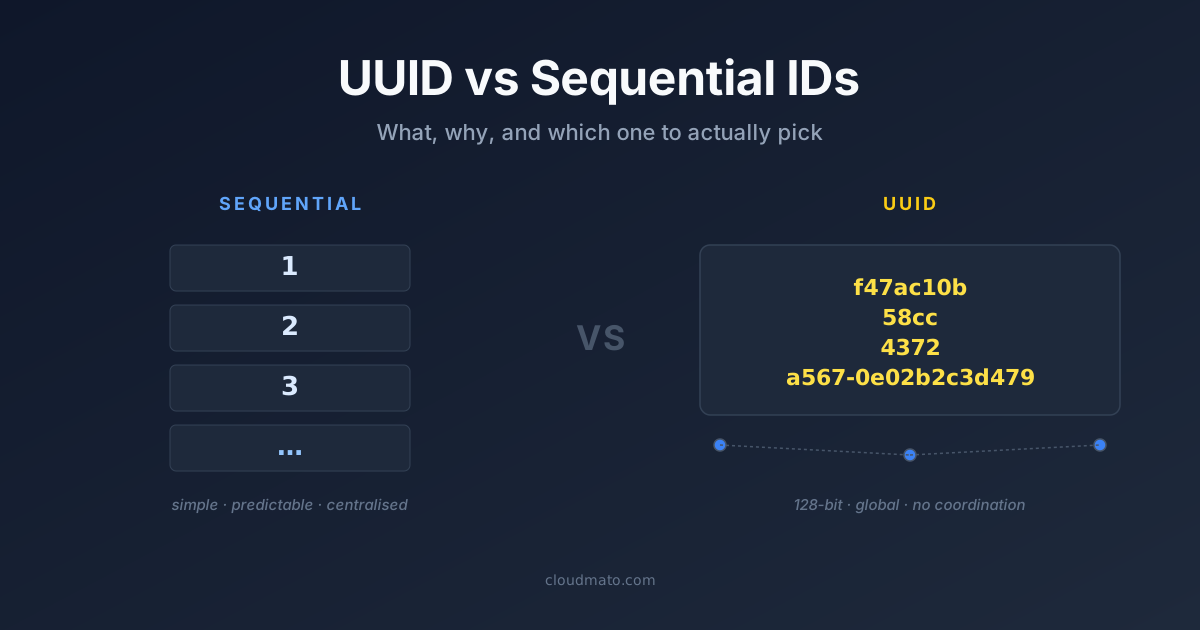
You expose an API endpoint like /api/orders/1042. That integer tells anyone listening — a competitor, an attacker, a curious user — exactly how many orders you have. Change the number to 1041, you get the previous order. Change it to 1, you get the very first one. No auth bypass needed. The ID itself is the information leak.
That’s the sequential ID problem in one paragraph. UUID exists to fix it — and a few other things that matter at scale.

You’re a developer testing a local server, or trying to reach an internal corporate tool, and Chrome slams the door with a red “Your connection is not private” screen. There’s a hidden escape hatch baked right into the browser: type thisisunsafe. This article explains exactly what this trick does, where it came from, when it’s acceptable to use it — and when it could get you seriously burned.
What Is “thisisunsafe”? thisisunsafe is a secret keyboard passphrase built into Chromium-based browsers — including Google Chrome and Microsoft Edge — that lets you override SSL/TLS certificate error pages [1]. When Chrome blocks a site due to an invalid, expired, or self-signed certificate and displays errors like NET::ERR_CERT_INVALID or NET::ERR_CERT_AUTHORITY_INVALID, typing thisisunsafe (with the browser window focused, no text field required) instantly dismisses the warning and loads the page [2].