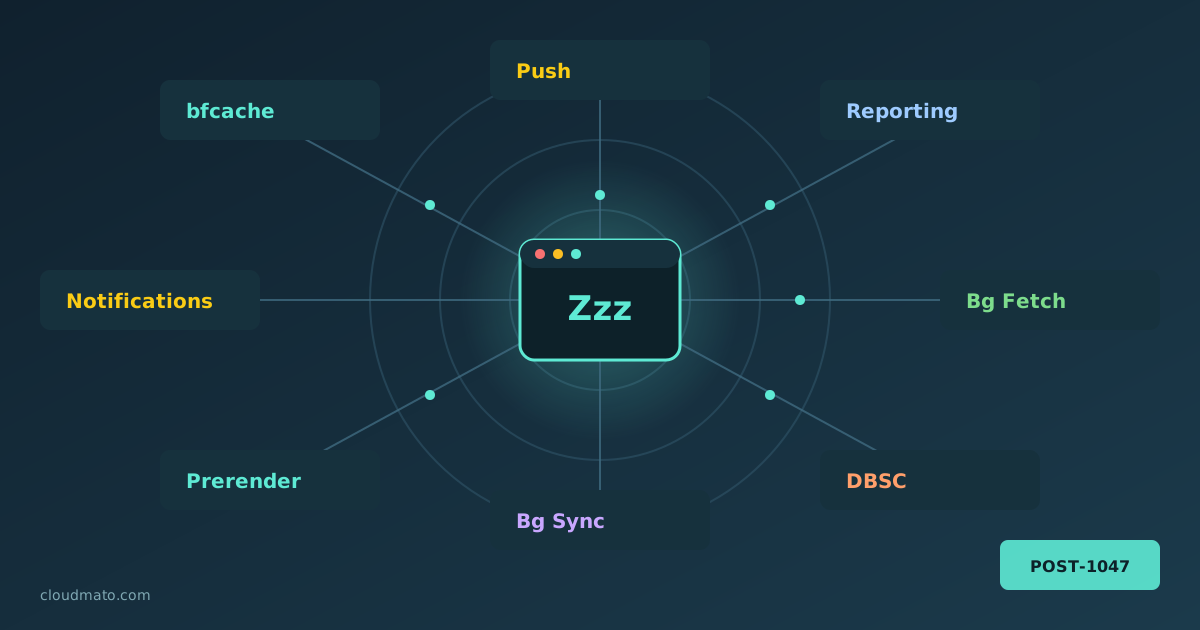
Your web app is probably doing things you’ve never actually debugged. Pages being prerendered before the user clicks anything, form submissions silently queued while offline, push notifications arriving at a sleeping service worker, sessions cryptographically bound to hardware keys — all of this happens through Chrome’s background service APIs, running completely invisibly. The Background Services panel in Chrome DevTools is where you finally get to watch all of it.
Finding the Panel Open DevTools (F12 or right-click > Inspect), go to the Application tab, and scroll the left sidebar until you hit the “Background Services” section. You’ll find a list covering essentially every “invisible” API Chrome supports: