
At some point in a large enough frontend codebase, the build itself becomes the bottleneck. Thousands of components, dozens of teams, one monolithic bundle — something has to give. Module Federation is one of the more interesting solutions people have reached for, and it’s worth understanding properly before you commit to it.
What Is Module Federation? Module Federation is a feature introduced in Webpack 5 that lets JavaScript applications dynamically load code from other JavaScript applications at runtime — not at build time [1]. That single distinction is what makes it different from everything else.

Module Federation is one of those concepts everyone name-drops the moment “micro frontends” comes up in a meeting. Cool, share code at runtime, deploy teams independently, sounds great. Then someone on the team says “we’re on Vite, not webpack” and the whole conversation gets awkward. So what actually happens when you try to bring Module Federation into a Vite project? Some of it works beautifully. Some of it… really doesn’t, at least not yet.
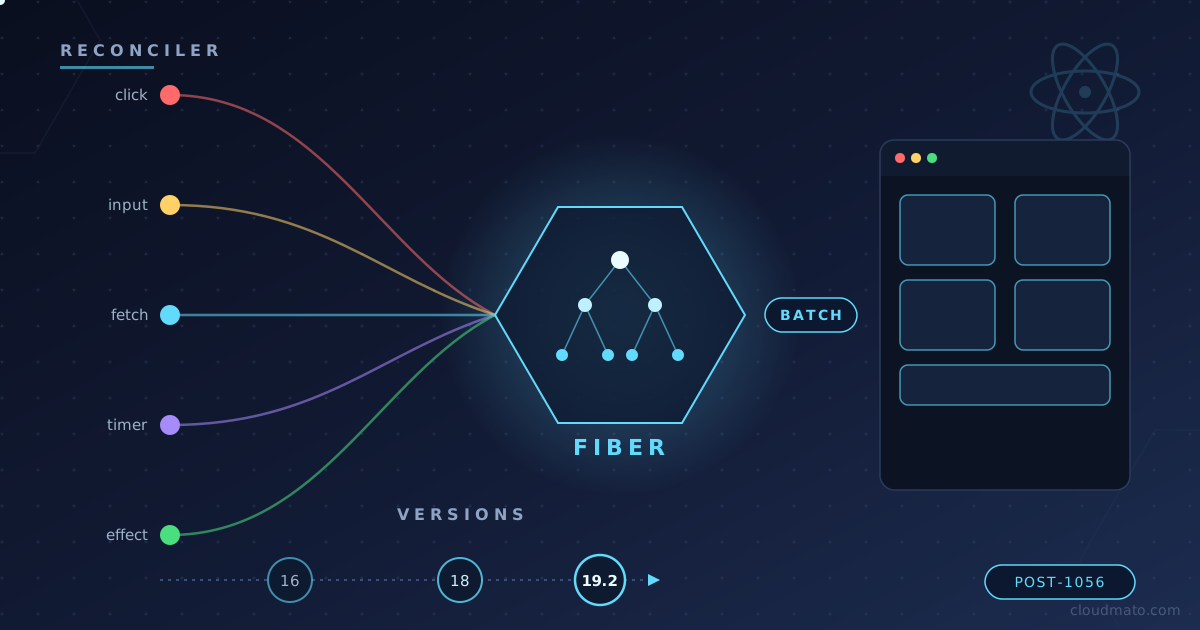
Ever clicked a button in a React app and just… trusted that the UI would update correctly? Yeah, me too, for years. I never really stopped to think about what happens between setState and the pixels changing on screen — until I started debugging a component that was re-rendering five times for a single click. That rabbit hole led me straight into Fiber, lanes, and the surprisingly long history of how React decides when to actually re-render your app.
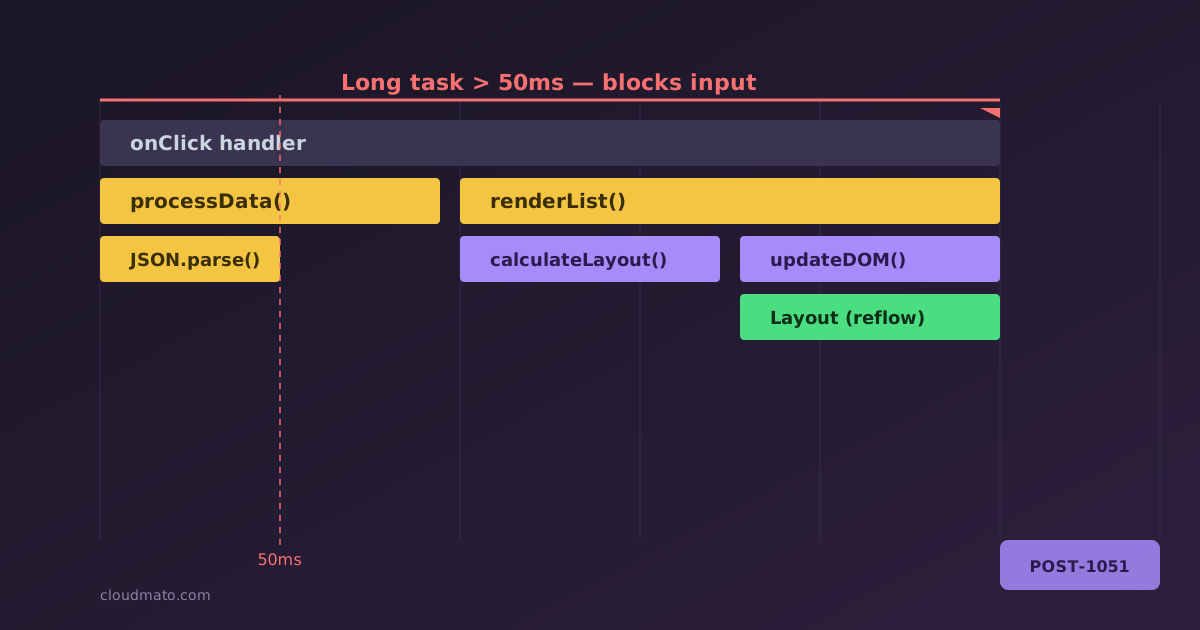
Open the Performance panel in Chrome DevTools for the first time and it looks like someone spilled a box of crayons across your screen. Dozens of colored bars, half a dozen tracks, three tabs at the bottom that all seem to show the same thing but slightly differently. No wonder most devs record one trace, get scared, and go back to console.log debugging. I did exactly that for years - until I actually sat down and learned what each piece means, and now it’s the first tool I reach for when something “feels slow.”

Your app is getting slower over time. Scroll position jumps. Tabs are consuming 800 MB of RAM. You open Task Manager and watch Chrome eat memory like it’s buffet day. Something is leaking — but where? The Chrome DevTools Memory tab is sitting right there, and most developers either ignore it or open it once, get confused by “Shallow Size” and “Retainers,” and quietly close it. This guide is for people who want to actually use it.

Open DevTools, click on Application, and look at the left sidebar. Cookies, Local Storage, Session Storage, IndexedDB, Cache Storage, Shared Storage, Background Services… it’s a lot. I’ve seen senior developers reach for localStorage for everything — auth tokens, shopping carts, even megabytes of API responses — simply because it’s the one they know. That’s not always wrong, but it’s rarely the best choice. Let’s actually go through what each of these mechanisms does, where you’d find it in DevTools, and — more importantly — when you should reach for it instead of the other six options sitting right next to it.
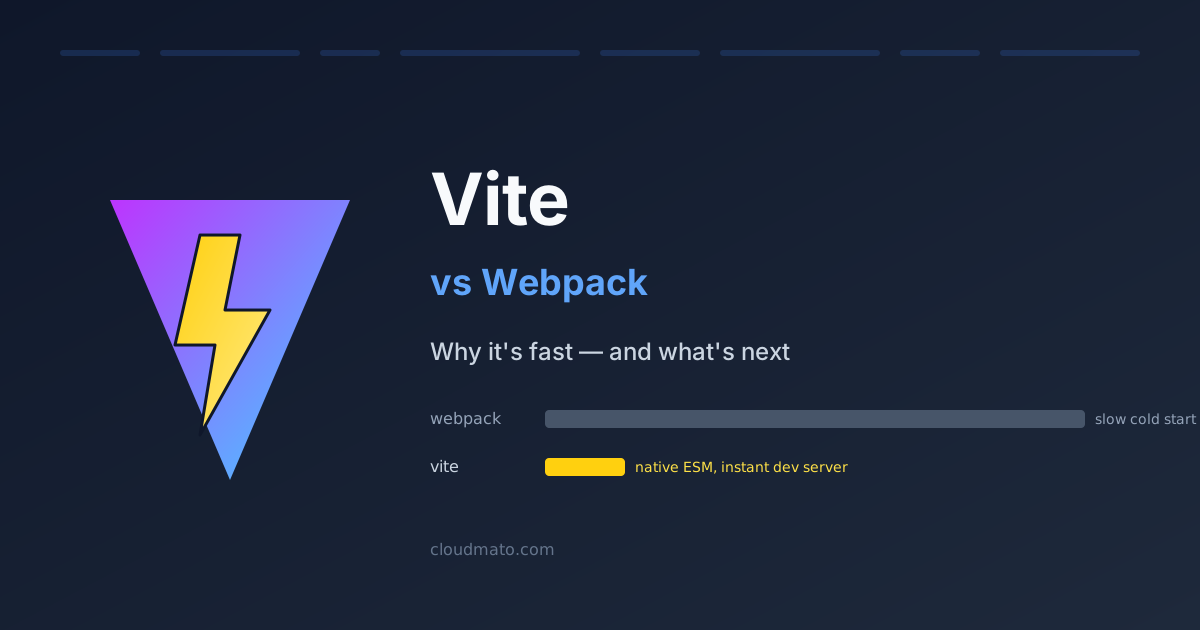
I remember the first time I switched a project from CRA (which uses Webpack under the hood) to Vite. The dev server came up in under a second. I genuinely stared at the terminal for a moment, waiting for something else to happen. Nothing did. That was it — it was ready. That’s not a small improvement over Webpack. It’s a completely different experience.
What Is Vite? Vite (French for “fast”, pronounced “veet”) is a frontend build tool created by Evan You — the same person who built Vue.js [1]. It launched in 2020 and has been growing fast. As of 2025, Vite logs 53 million weekly npm downloads against Webpack’s 36 million [5]. Its GitHub stars tell the same story: 78,000 vs Webpack’s 66,000 [5].
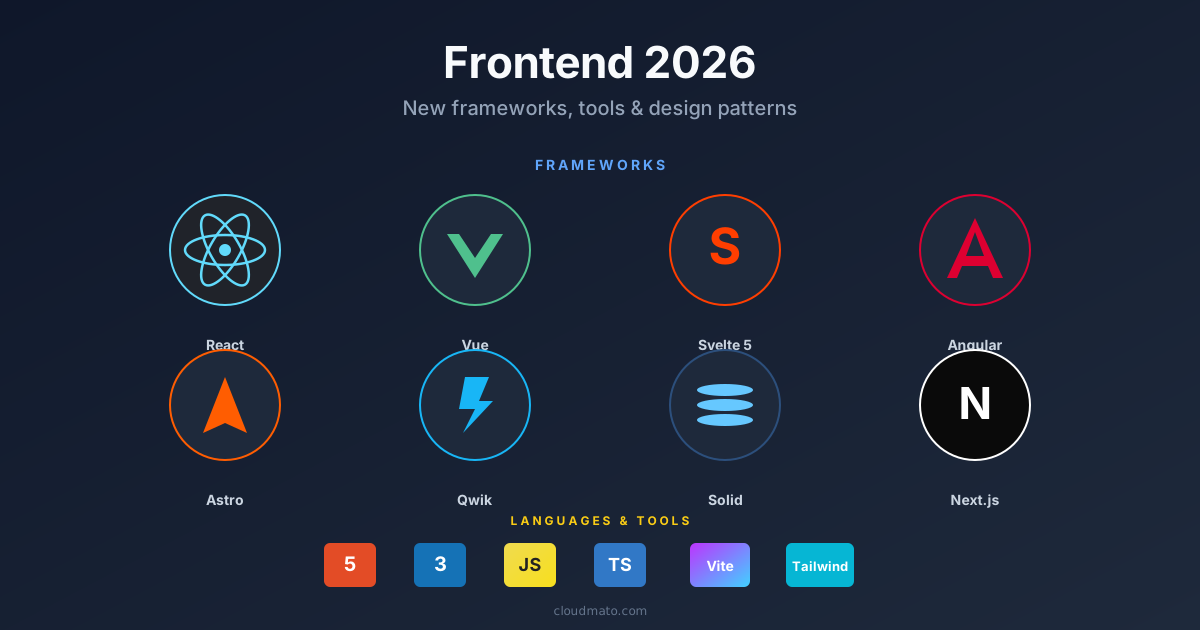
The frontend ecosystem shifts every year, but 2025-2026 felt structurally different. It wasn’t just new libraries — the underlying mental models changed. How we hydrate, bundle, structure components, and handle reactivity has moved in ways that actually affect how apps perform and how long they take to build. Here’s what’s worth paying attention to.
The Framework Landscape Is Fragmenting (In a Good Way) React still dominates with roughly 45% adoption [1], but calling it the default answer is getting harder to justify for every project type. Three challengers are serious now.
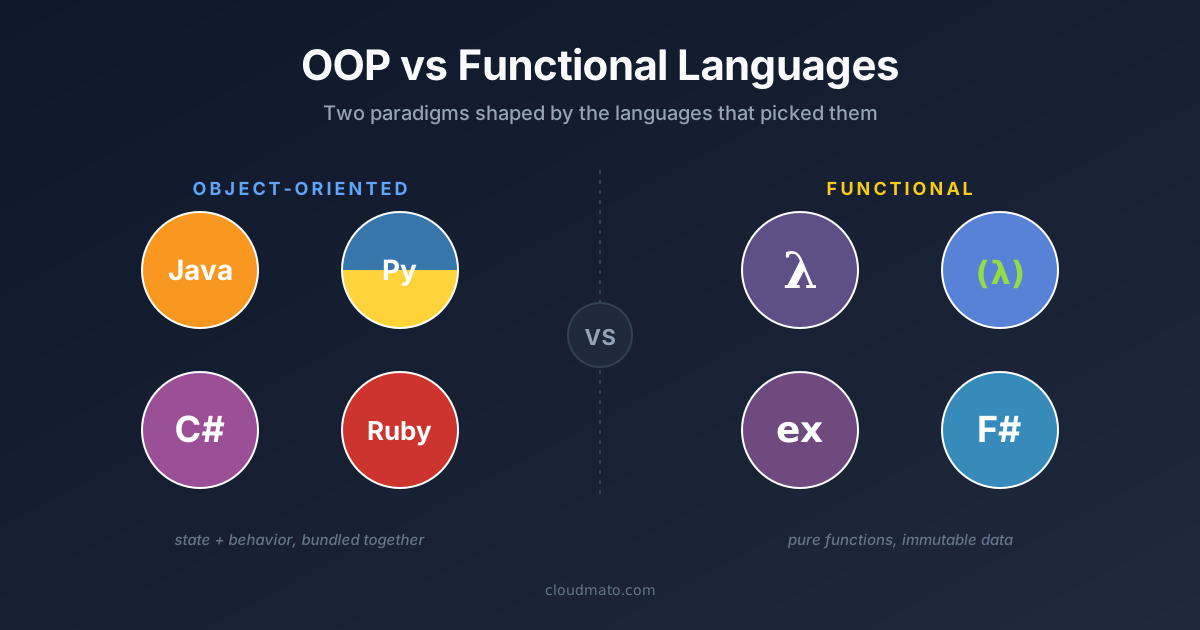
OOP is 50+ years old. Classes, objects, inheritance — it works, everyone knows it, almost every popular language supports it. So why are people talking about functional programming like it’s some revelation? Because OOP is great at modelling things. FP is great at modelling transformations. Most real software has both, and conflating the two is where the confusion starts.
What Is Functional Programming, Actually? Not “functions inside a class.” That’s just OOP with functions.

TypeScript became the most-used language on GitHub in August 2025 — overtaking Python and JavaScript for the first time in over a decade [4]. 78% of professional developers now write TypeScript [5]. And yet, open almost any legacy codebase, startup MVP, or quick utility script and you’ll still find plain .js files staring back at you. That’s not laziness. There are real, structural reasons for it.
What Is TypeScript, Actually? TypeScript is JavaScript with types bolted on. Microsoft built it to address a real problem — large JavaScript codebases become unmaintainable fast. When a codebase has tens of thousands of lines and dozens of contributors, you can’t know what a function expects just by reading a call site [1].

The line between frontend developer and AI engineer is blurring fast. In 2026, the most in-demand web developers aren’t just crafting beautiful UIs—they’re wiring those UIs directly to large language models, vector databases, and autonomous agents. If you already know React, TypeScript, or Next.js, you are far closer to that future than you might think.
Why Frontend Developers Have a Head Start The modern AI application stack runs on TypeScript, React, and HTTP APIs—the exact tools you already use every day [1]. Frameworks like Next.js have become the default output of AI-powered UI builders, and the Vercel AI SDK is already a first-class citizen in the React ecosystem [2]. Unlike data scientists who must first learn deployment and UI, you already know how to ship products. Your challenge isn’t learning how to build—it’s learning which new primitives to build with.
JavaScript once had no built-in way to split code across files — a limitation that spawned an entire ecosystem of competing module formats. Today, developers encounter require(), import, .mjs, .cjs, AMD, and UMD, often all in the same project. This guide demystifies every module system, explains when to use each, and maps out the clear path forward.
Why JavaScript Needed Module Systems In the early days of the web, JavaScript was a scripting language meant for simple page interactions. As applications grew, developers stuffed everything into global variables — leading to naming collisions and unmaintainable “spaghetti” code [1]. The community responded by inventing module patterns outside the language itself: first Immediately Invoked Function Expressions (IIFEs) to create private scopes, then formal module specifications like AMD and CommonJS. Only in 2015 did JavaScript finally gain a native module system via the ES6 specification [6].

React remains the dominant UI library in the frontend ecosystem, and interviewers at startups and FAANG companies alike use React-specific questions to measure depth of knowledge [1]. This guide walks you through the most commonly asked questions in order of difficulty—from entry-level fundamentals all the way to expert-tier architecture and React 19 internals—so you can walk into any frontend interview fully prepared.
Beginner: Core Concepts Every Candidate Must Know 1. What is React, and what problem does it solve? React is a JavaScript library for building composable user interfaces maintained by Meta. It solves the problem of keeping the UI in sync with application state by tracking changes and updating only the affected parts of the DOM [2].