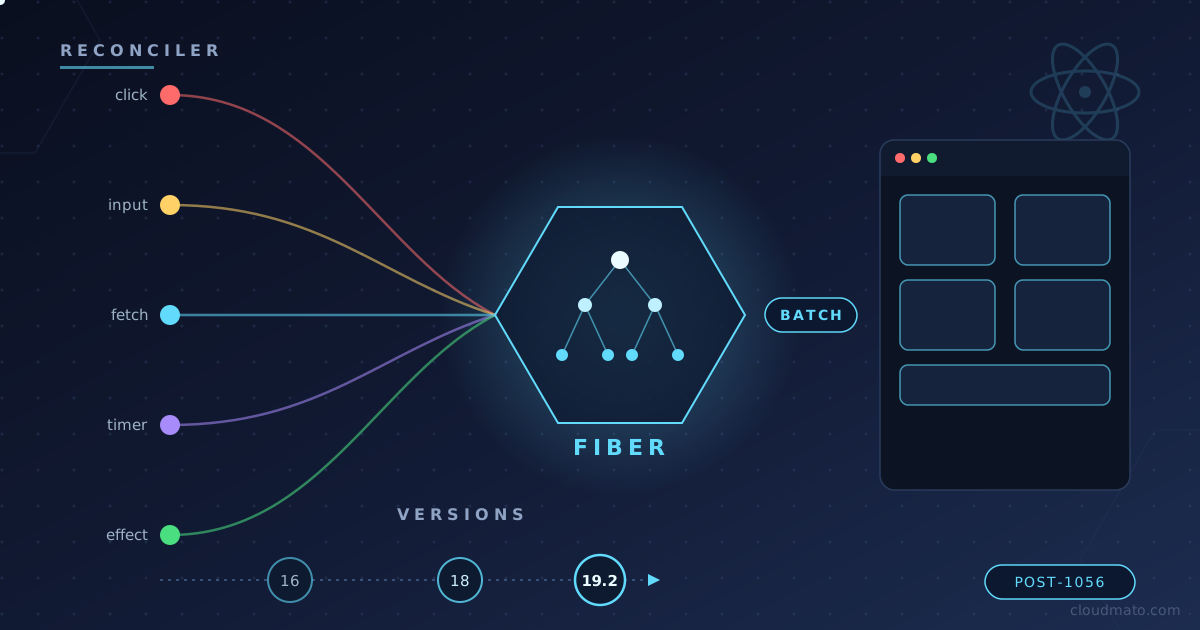
Ever clicked a button in a React app and just… trusted that the UI would update correctly? Yeah, me too, for years. I never really stopped to think about what happens between setState and the pixels changing on screen — until I started debugging a component that was re-rendering five times for a single click. That rabbit hole led me straight into Fiber, lanes, and the surprisingly long history of how React decides when to actually re-render your app.
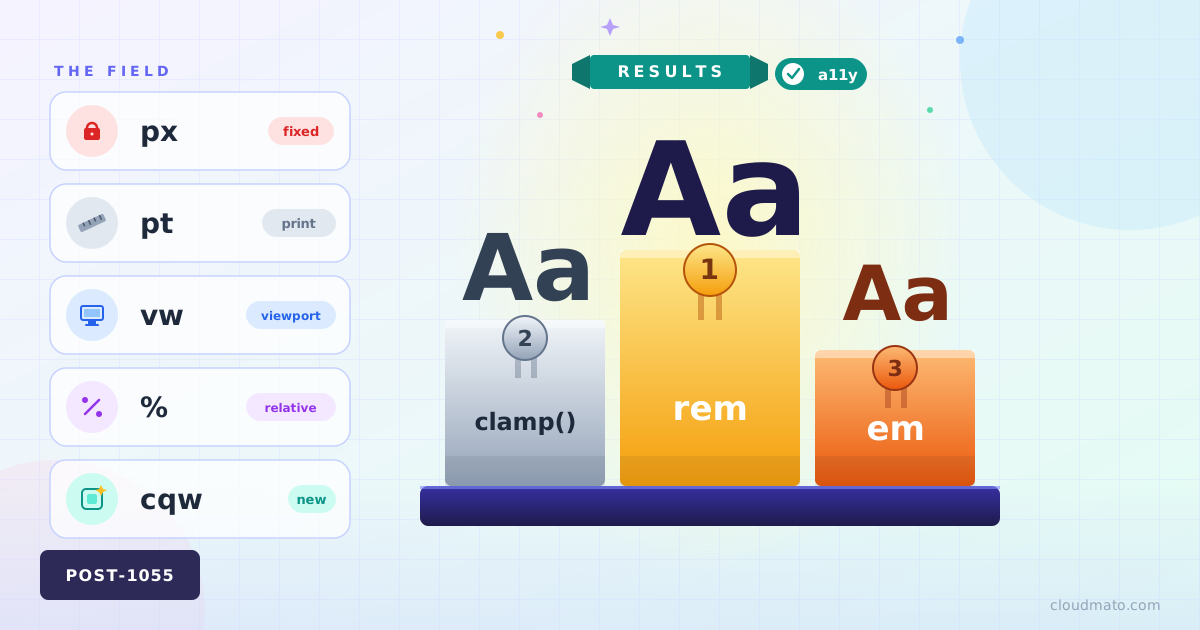
Ever opened a project’s CSS and found font sizes set in px, em, rem, %, and vw — all in the same file, sometimes on the same element? Yeah, me too. Font size feels like the most boring property in CSS until you realize there are at least eight different ways to express it, and picking the wrong one quietly breaks accessibility for a chunk of your users without throwing a single error.
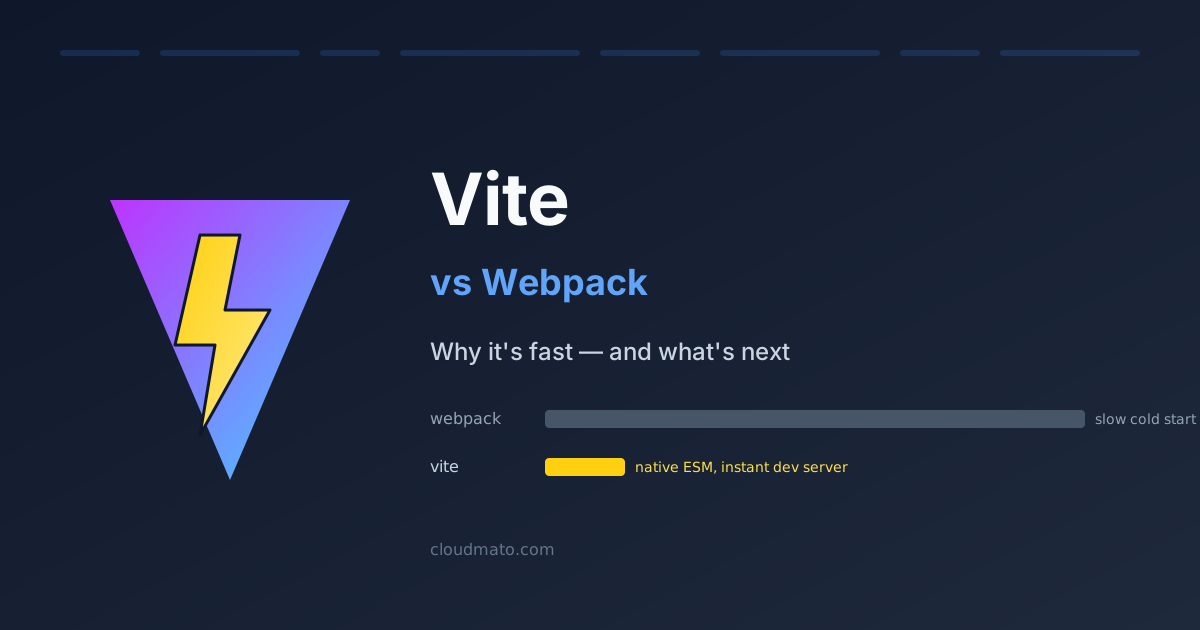
I remember the first time I switched a project from CRA (which uses Webpack under the hood) to Vite. The dev server came up in under a second. I genuinely stared at the terminal for a moment, waiting for something else to happen. Nothing did. That was it — it was ready. That’s not a small improvement over Webpack. It’s a completely different experience.
What Is Vite? Vite (French for “fast”, pronounced “veet”) is a frontend build tool created by Evan You — the same person who built Vue.js [1]. It launched in 2020 and has been growing fast. As of 2025, Vite logs 53 million weekly npm downloads against Webpack’s 36 million [5]. Its GitHub stars tell the same story: 78,000 vs Webpack’s 66,000 [5].
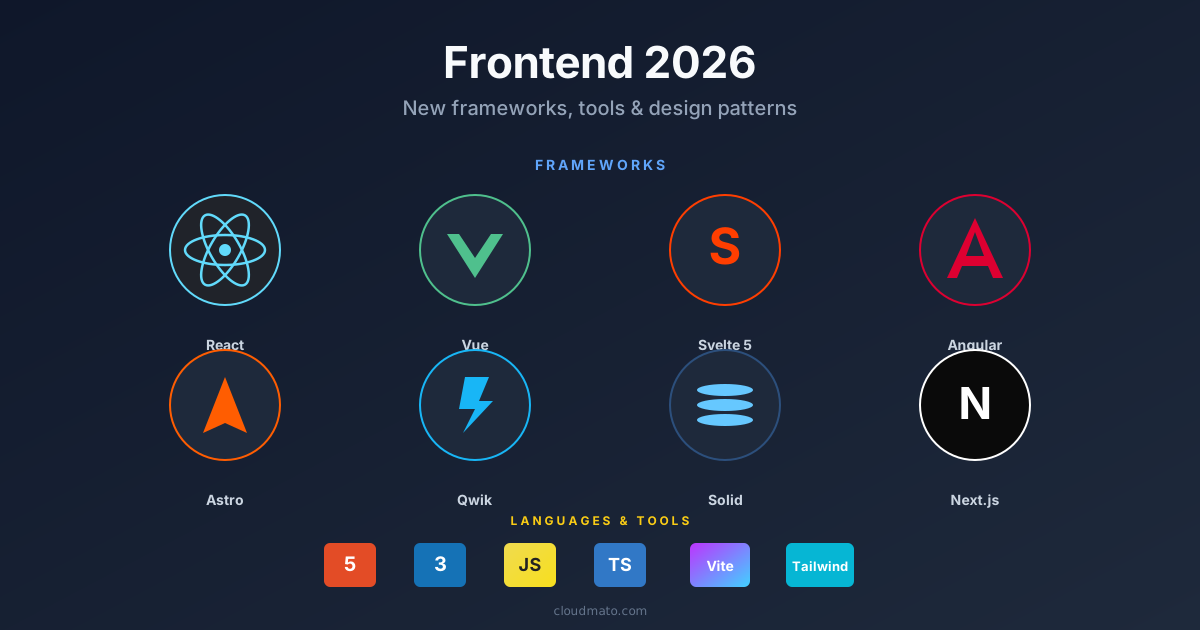
The frontend ecosystem shifts every year, but 2025-2026 felt structurally different. It wasn’t just new libraries — the underlying mental models changed. How we hydrate, bundle, structure components, and handle reactivity has moved in ways that actually affect how apps perform and how long they take to build. Here’s what’s worth paying attention to.
The Framework Landscape Is Fragmenting (In a Good Way) React still dominates with roughly 45% adoption [1], but calling it the default answer is getting harder to justify for every project type. Three challengers are serious now.

Nobody ever forgets their first fight with CSS centering. You Google it, paste a Stack Overflow snippet, and move on — never stopping to ask if that was the right way or just a way. In 2026, there are at least seven distinct ways to center a div, and some of them should have been buried years ago.
Here’s all of them, ranked worst to best.
The Full Comparison Method Horizontal Vertical Verdict display: table-cell Yes Yes Never Negative margins Yes Yes Never abs + translate(-50%, -50%) Yes Yes Avoid inset: 0 + margin: auto Yes Yes Sometimes margin: auto Yes No Horizontal only Flexbox Yes Yes Good default CSS Grid Yes Yes Best default CSS Anchor Positioning Relative Relative Specific use 1. display: table-cell — Please Stop This is what people did before Flexbox existed. You wrap your element in a fake table, trick the browser into treating it like a <td>, and abuse vertical-align: middle.
Every few years the “right” way to do layout in CSS changes completely. If you started writing CSS before 2015, you probably have a small trauma response every time someone mentions clearfix. Let me walk through how we got here — and what you should actually reach for in 2026.
The Table Era (1990s – mid 2000s) HTML tables were never designed for layout. They existed to display tabular data. Then web designers discovered that <table>, <tr>, and <td> gave you something CSS couldn’t yet deliver: predictable column control [1].