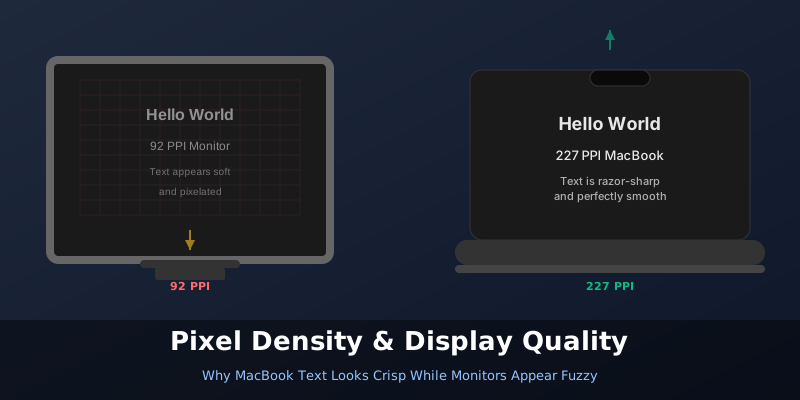
You buy a Full HD (1920×1080) monitor and check the specs. Your MacBook also outputs to a similar resolution. Yet when you start working, the text on the monitor looks noticeably softer. Not broken or unreadable — just not as sharp as what you see on your MacBook’s built-in screen. What’s going on?
The answer isn’t about resolution numbers. It’s about pixel density.
The Pixel Density Problem Here’s the thing: two displays with the same resolution at different sizes will have completely different pixel densities [1]. A 24-inch Full HD monitor has roughly 92 pixels per inch (PPI) [2]. Your MacBook Air? Try 227 PPI [1]. Your 16-inch MacBook Pro? 254 PPI [1].