
It’s 3am. PagerDuty is screaming. Checkout is failing for some customers but not others. You SSH into a box, tail the logs, and you’re greeted with a wall of INFO: processing request lines with no order ID, no user ID, no trace of which downstream service choked. Now you’re not debugging — you’re archaeology.
I’ve been on the other side of that night more times than I’d like to admit. And honestly, the difference between a 5-minute fix and a 3-hour outage is almost never the bug itself. It’s whether your logs told you anything useful. So let’s talk about what good logging actually looks like — not the textbook “log everything” advice, but the stuff that saves you when production is on fire.
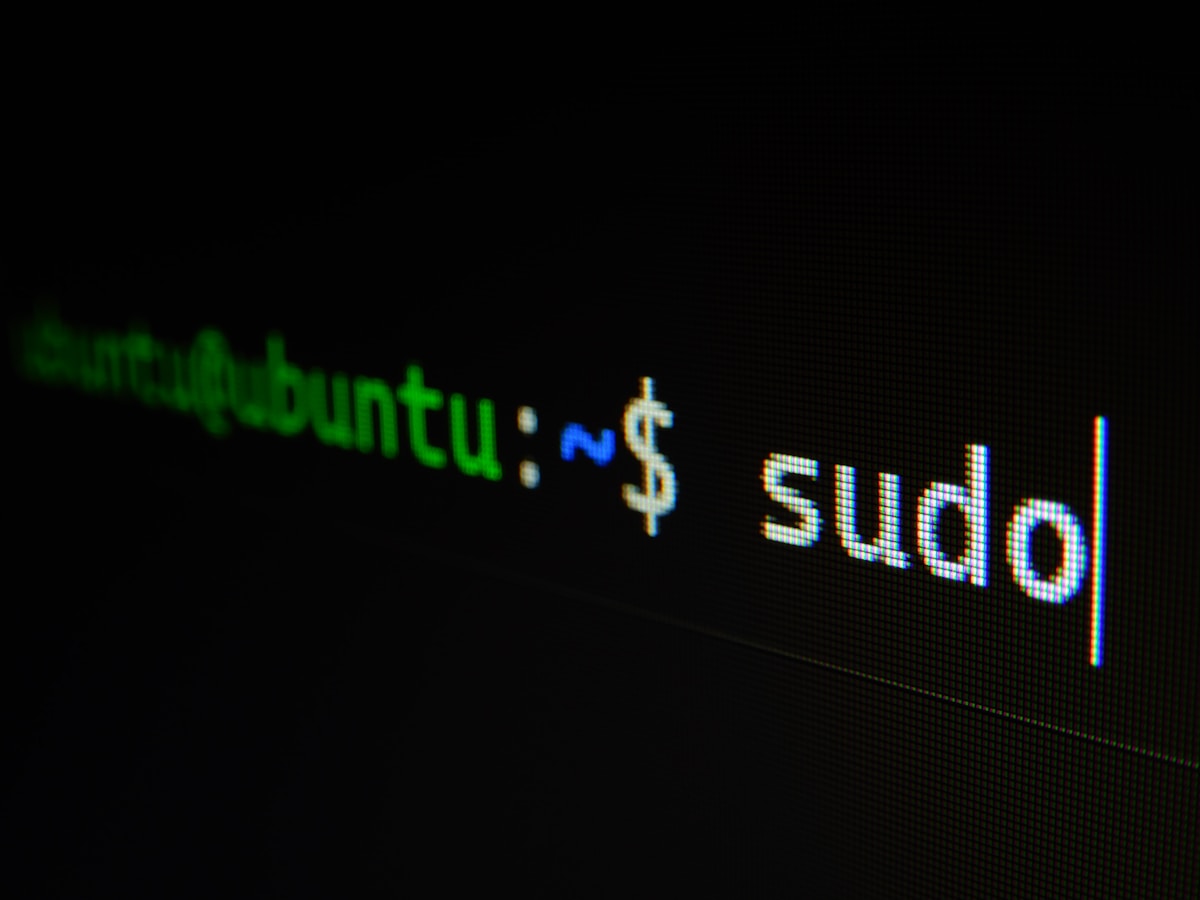
You open Windows 11, right-click the Start menu, and you see: Command Prompt, PowerShell, Windows Terminal. Three things. You just wanted to run a quick command. Now you’re questioning your life choices.
This confusion is real, and honestly, Microsoft did not make it easy. But there’s a genuinely good reason PowerShell exists — and once you understand it, the whole picture starts to make sense.
CMD Was Never Really a Shell — It Was a Stopgap Let’s start at the beginning. cmd.exe — the Command Prompt — has been around since Windows NT launched in December 1987 [1]. Before that, COMMAND.COM handled things in MS-DOS. So yeah, Windows has had a command-line interface for nearly 40 years.

Everyone setting up a Kubernetes cluster eventually hits the same wall: how do I actually get traffic into this thing? Then the docs mention ClusterIP, NodePort, LoadBalancer, Ingress, Gateway API, MetalLB — and it spirals. Worse, there’s a Service type called “LoadBalancer” and there are actual load balancers, and they are not the same thing. Let me go through the real options, where each one sits in the stack, and what genuinely makes sense to reach for.

Cloud computing is reshaping how the world runs software — the global market is on track to approach $1 trillion in 2026 [1], powered by AI workloads, SaaS expansion, and enterprise digital transformation. Yet if you already deploy your apps on a DigitalOcean Droplet or a similar VPS, you might be asking: do I actually need to change anything? Here is an honest, practical answer.
What Is Cloud Computing? Cloud computing is the delivery of computing resources — servers, storage, databases, networking, software, and analytics — over the internet on a pay-as-you-go basis [1]. Rather than owning physical hardware, you rent capacity from a provider and access it from anywhere. The three dominant players are AWS (~33% market share), Microsoft Azure (~23%), and Google Cloud (~12%), collectively controlling more than 60% of the global cloud infrastructure market [3].