
Remember when GIFs were basically the only way to show something moving on a webpage without dragging in a full video player? Spinning loaders, little waving mascots, “loading…” icons — all GIFs, all looking slightly blurry and oddly heavy for something so small. Turns out there’s been a much better option sitting right under our noses for years: the animated SVG. Let’s get into how you actually build one, and whether it really deserves to replace GIF.
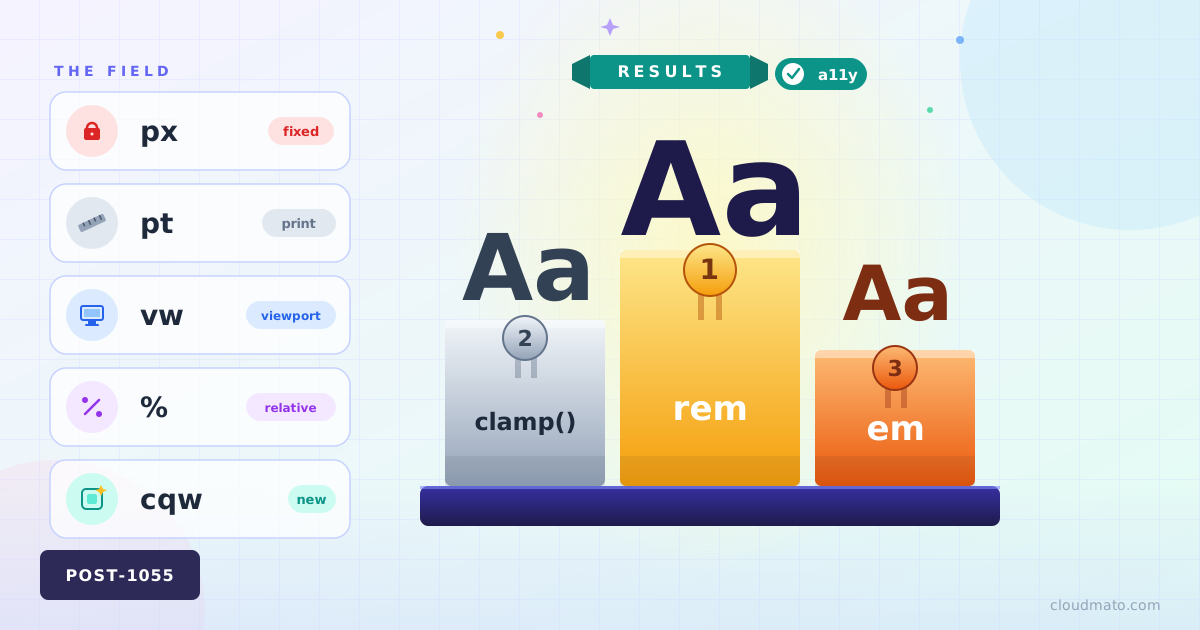
Ever opened a project’s CSS and found font sizes set in px, em, rem, %, and vw — all in the same file, sometimes on the same element? Yeah, me too. Font size feels like the most boring property in CSS until you realize there are at least eight different ways to express it, and picking the wrong one quietly breaks accessibility for a chunk of your users without throwing a single error.

Nobody ever forgets their first fight with CSS centering. You Google it, paste a Stack Overflow snippet, and move on — never stopping to ask if that was the right way or just a way. In 2026, there are at least seven distinct ways to center a div, and some of them should have been buried years ago.
Here’s all of them, ranked worst to best.
The Full Comparison Method Horizontal Vertical Verdict display: table-cell Yes Yes Never Negative margins Yes Yes Never abs + translate(-50%, -50%) Yes Yes Avoid inset: 0 + margin: auto Yes Yes Sometimes margin: auto Yes No Horizontal only Flexbox Yes Yes Good default CSS Grid Yes Yes Best default CSS Anchor Positioning Relative Relative Specific use 1. display: table-cell — Please Stop This is what people did before Flexbox existed. You wrap your element in a fake table, trick the browser into treating it like a <td>, and abuse vertical-align: middle.
Every few years the “right” way to do layout in CSS changes completely. If you started writing CSS before 2015, you probably have a small trauma response every time someone mentions clearfix. Let me walk through how we got here — and what you should actually reach for in 2026.
The Table Era (1990s – mid 2000s) HTML tables were never designed for layout. They existed to display tabular data. Then web designers discovered that <table>, <tr>, and <td> gave you something CSS couldn’t yet deliver: predictable column control [1].